How-to guide
How to add more than one pay
Two jobs, a side job, or a partner's pay on a different cycle: add every pay, choose the one your budget follows, and get a check-in each payday.
Updated 3 November 2026
Before you start
- A KeaBudget account with at least one account.
- For each pay: the amount after tax, how often it's paid, and the next payday.
Open Your pays
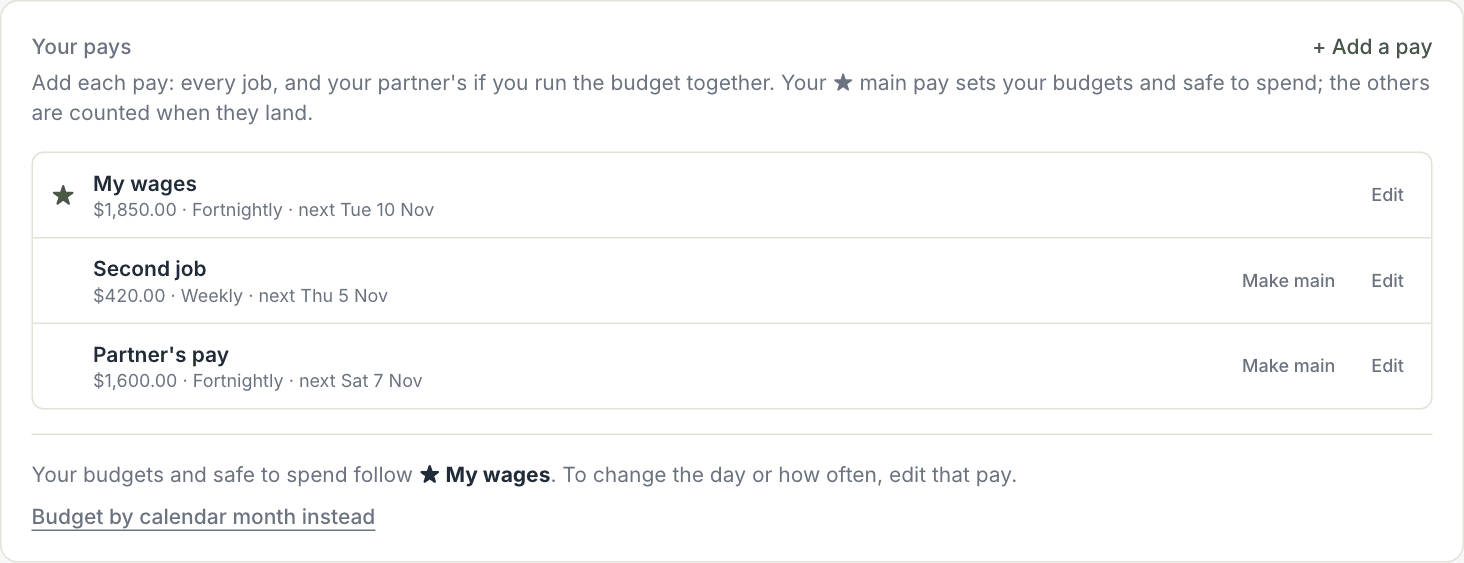
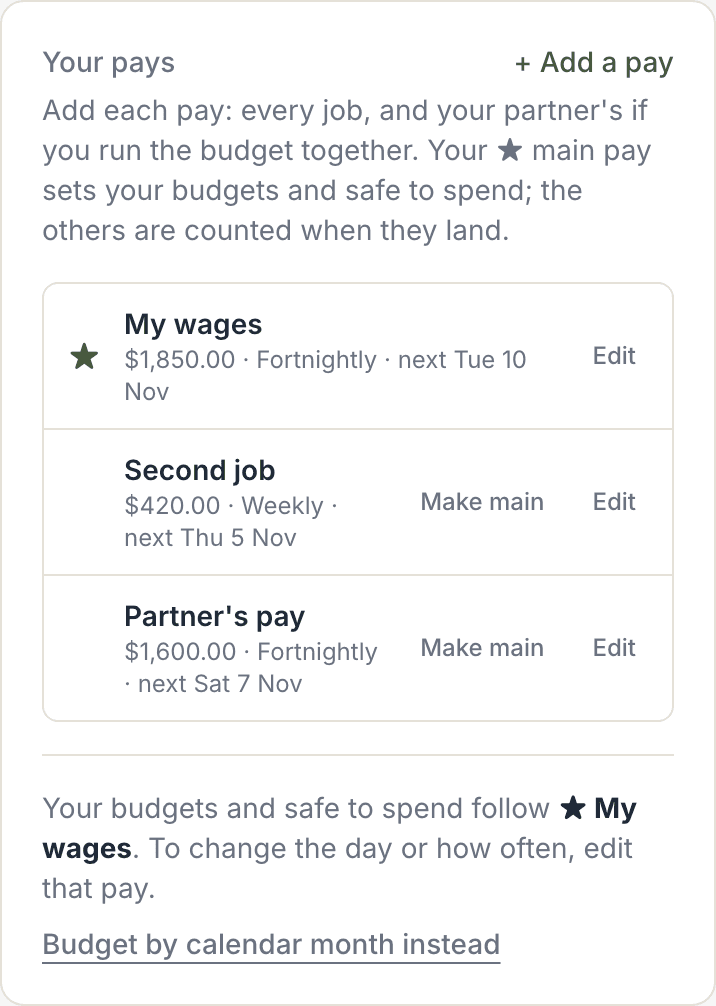
Open Budgets. Your pays at the top lists every pay KeaBudget knows about.
If you've already told KeaBudget how often you're paid, it shows as Main pay, with Add the amount next to it. Tap that to add how much the pay is.
Add each pay
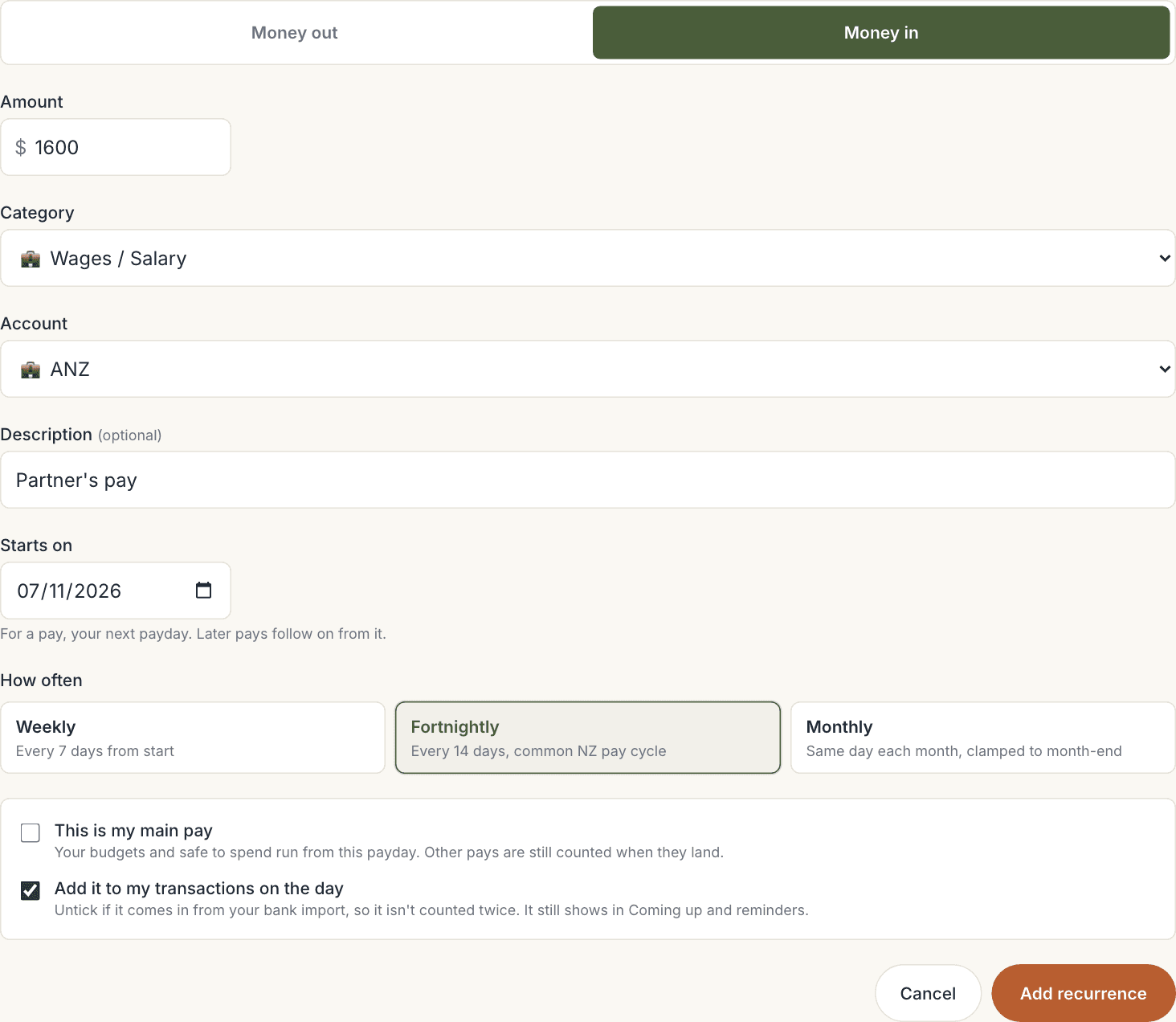
- In Your pays, tap + Add a pay. It opens set to Money in.
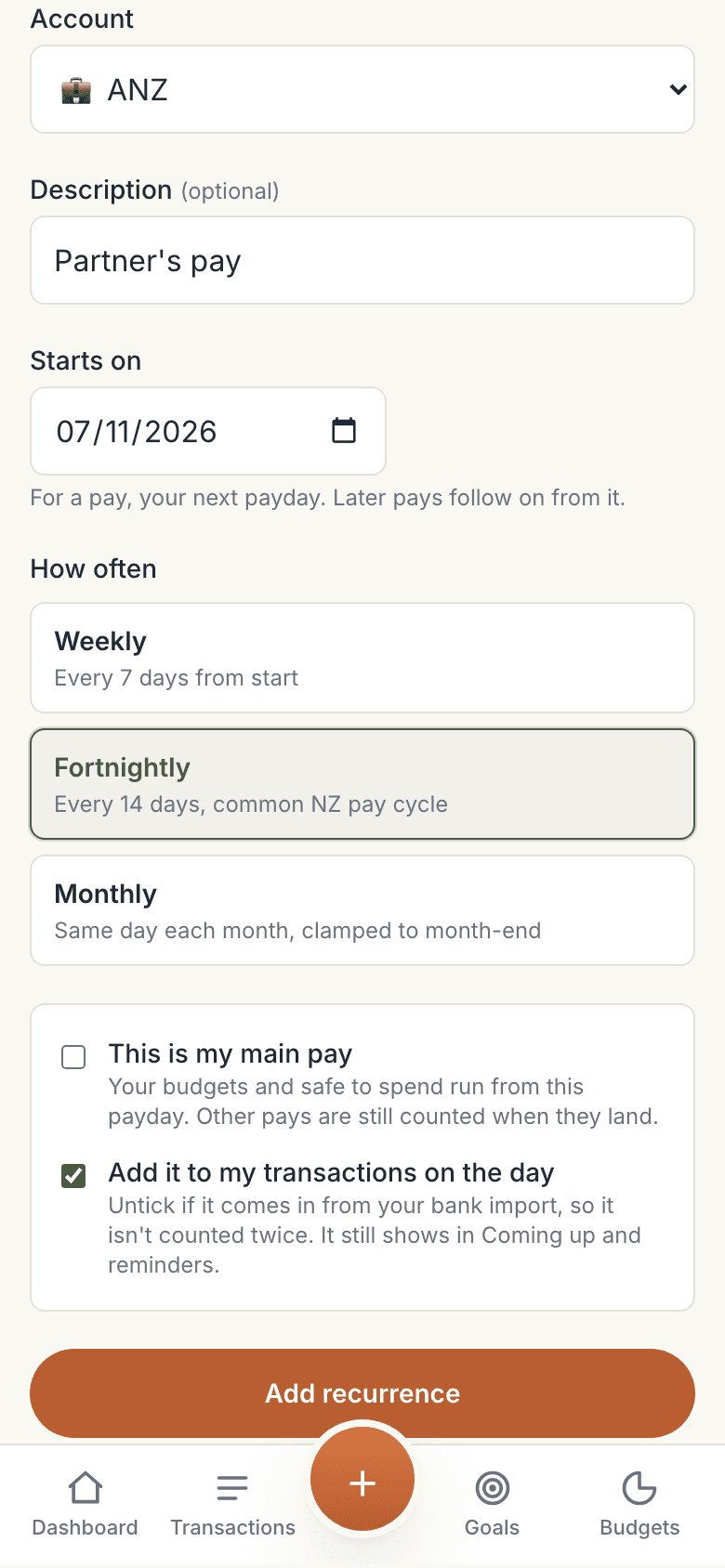
- Enter the Amount after tax, and a Description you'll recognise, such as "Second job" or "Partner's pay".
- Starts on: the next payday for that pay.
- How often: Weekly, Fortnightly or Monthly. Each pay can have its own, on its own day of the week.
- Tap Add recurrence. You're taken back to Your pays.
Repeat for every pay. Each one goes in on its own day, so your balance and safe to spend stay right.
Choose your main pay
One pay is your ★ main pay. Your budgets and Safe to spend · until payday run from it. Choose the pay most of your bills line up with, usually the biggest.
- To change it, tap Make main next to another pay.
- When you add or edit a pay, you can also tick This is my main pay.
The other pays aren't left out. Each one is counted in Safe to spend as + Income before payday when it lands before your next main payday.
Rather budget by calendar month? Under the list, tap Budget by calendar month instead. Your pays stay; only the budget period changes.
See your next pays
With more than one pay, your dashboard shows Next pays on the Safe to spend card: the next few paydays, and whose pay each one is.
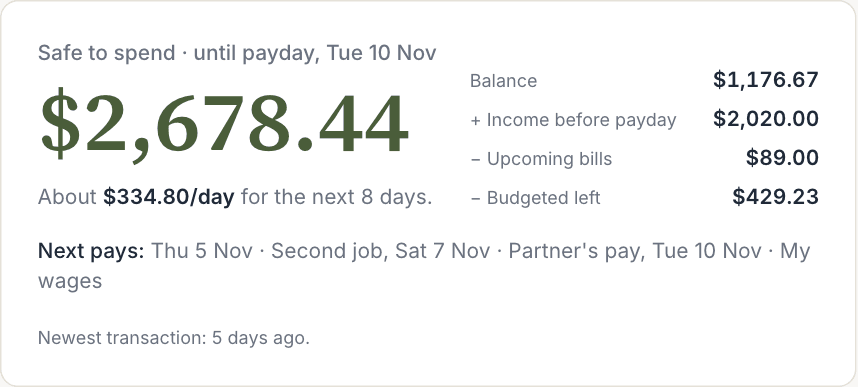
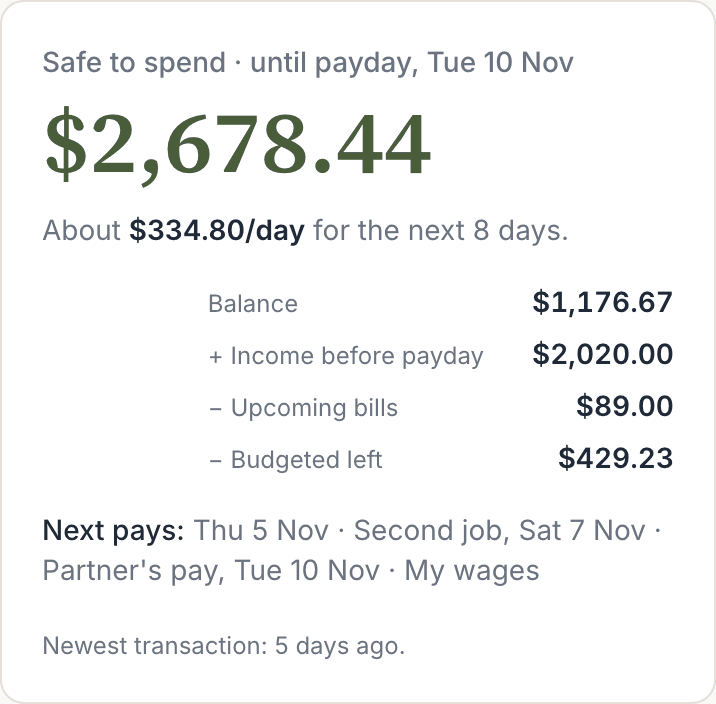
When a fortnightly pay lands for the third time in a month (it happens twice a year), or a weekly pay for the fifth, it's marked third pay in November. That's a good one to put toward a lumpy bill or savings.
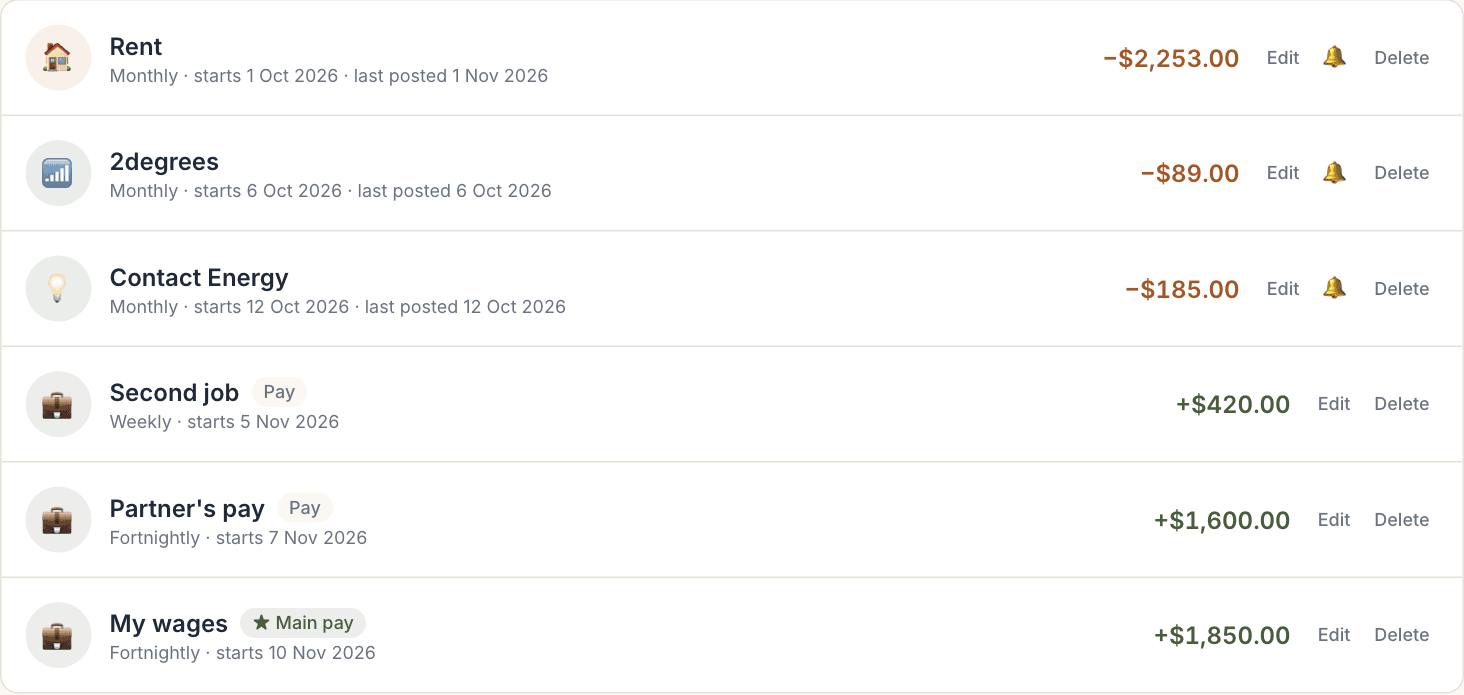
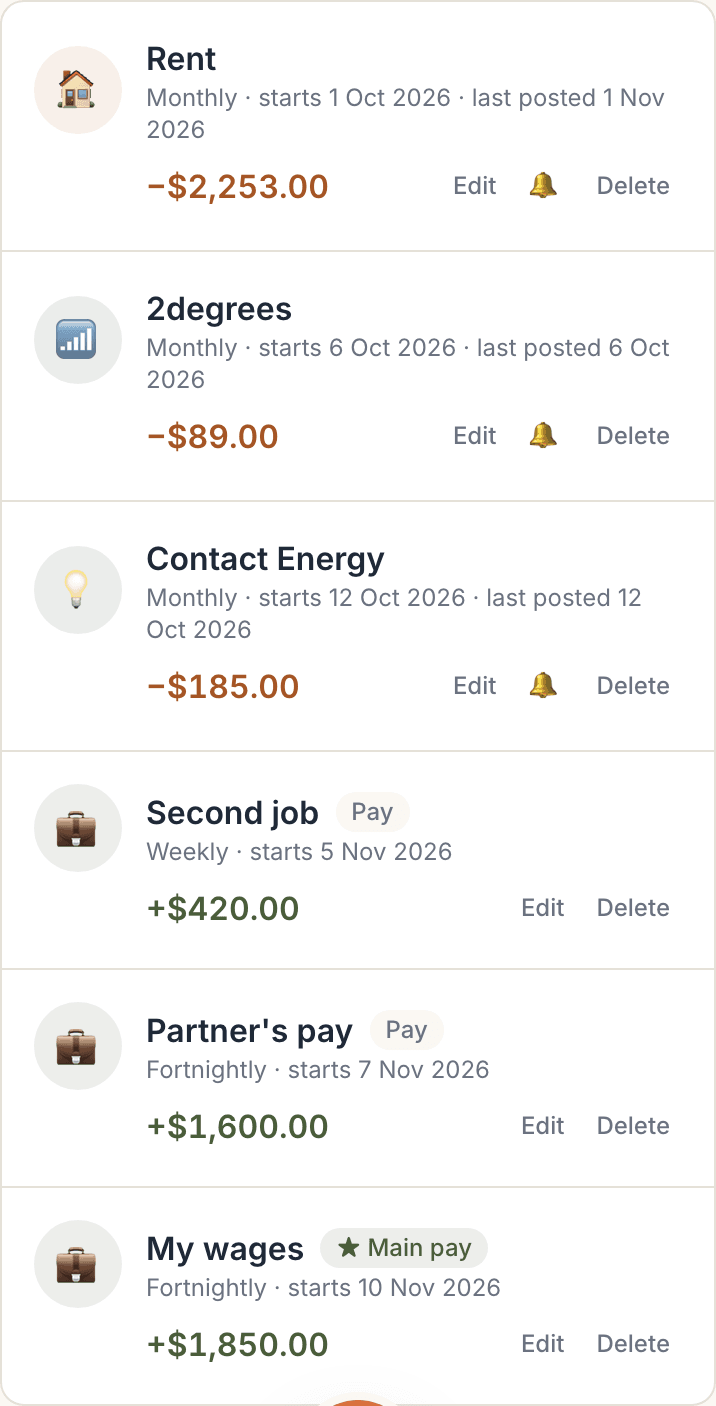
Your pays also show in Recurring bills & income, marked ★ Main pay or Pay:
Get a check-in each payday
With the Payday check-in switched on (in Recurring bills & income), KeaBudget sends a short message on the morning of every payday, for every pay:
- Which pay lands today, for example "Partner's pay lands today."
- The bills due before the next pay, whichever pay that is. Each pay covers the stretch until the next one lands.
- What to put aside for lumpy bills. This is in the main pay's message only, because it's worked out per main pay.
Two pays on the same day? You get one message naming both.
If you import from your bank
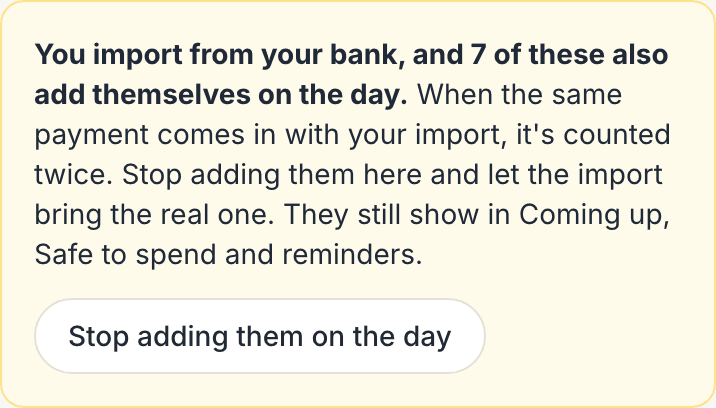
A pay set up in KeaBudget adds itself to your transactions on payday. If the same pay also comes in with your bank import, it would be counted twice.
Each pay and bill has a tick box, Add it to my transactions on the day. Untick it when the real one comes in from your import. It still counts in Safe to spend and Coming up, and you still get reminders and check-ins.
Once you've imported from your bank, new pays and bills start with it unticked. If some older ones still add themselves, Recurring bills & income points them out, and one tap fixes them:

Worth knowing
- Use your pay after tax: the amount that lands in your account.
- Pay that varies? Use a typical week, on the low side. It's better for Safe to spend to be a little cautious than to count money that doesn't arrive.
- A job ends? Delete that pay in Recurring bills & income. Pays already in your transactions stay, so your history is kept.
- Running the budget for both of you? Add your partner's pay here. Your partner can see your budget with Share with a person (view only for now).