How-to guide
What your safe-to-spend number means
The big number at the top of your dashboard: how it's worked out, how to make it run until payday, and what to set up so it's right.
Updated 3 November 2026
Before you start
- A KeaBudget account with at least one account and its balance.
- Your pay frequency and a recent payday, if you want the number to run until payday.
Read the number
Safe to spend is the money you can use on everyday things before your next pay, after your bills and budgets are covered. It sits at the top of your dashboard and always stays there.
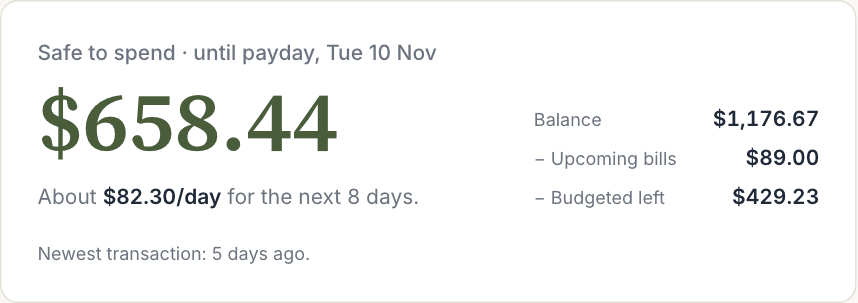
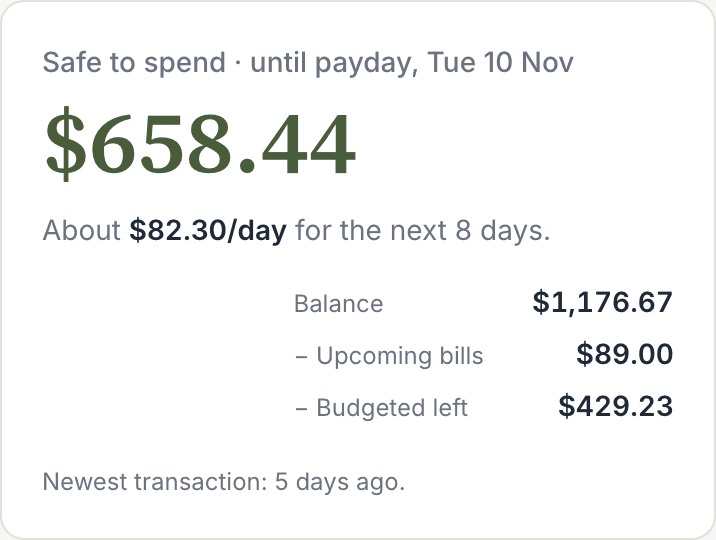
Under the number, KeaBudget splits it into a daily amount: About $177.05/day for the next 8 days. Spend around that each day and you'll reach payday with your bills paid.
See how it's worked out
The workings are shown next to the number, so it's never a mystery. It starts with your balance and takes off what's already spoken for:
| Line | What it is |
|---|---|
| Balance | What's in your accounts now. Credit cards and loans are left out, so card debt doesn't shrink it. |
| + Income before payday | Recurring income due before your next payday, such as a second job or a partner's pay. Your main pay isn't counted: the period ends the day before it lands. |
| − Upcoming bills | Recurring bills due before payday that haven't been paid yet. |
| − Budgeted left | For each category with a budget: the budget, minus what you've already spent this pay. |
| − Set aside | What your lumpy bills (rego, rates, insurance) need put away this pay. Only shown if you have any. |
| − Card due | A credit card's statement amount, if you've set its statement dates and it's due before payday. |
A bill in a category that has a budget is counted once, in Budgeted left, not twice.
Check if you can afford something
Thinking about a purchase? Under the number, type the amount in Can I afford… and tap Check. You get one of four answers:
- Yes: what you'd still have to spend, and the new daily amount.
- It fits, but it's tight: the daily amount would drop below half of what it is now, or your balance would dip below $0 before payday once your usual spending is counted.
- Not from safe to spend: it would use money already set aside for bills and budgets. KeaBudget names the next bill it would eat into.
- More than you have: it's more than your balance.
When it fits, Buying it? Add it opens Add transaction with the amount filled in.
Make it run until payday
Until KeaBudget knows when you're paid, the number covers the calendar month and the card asks:
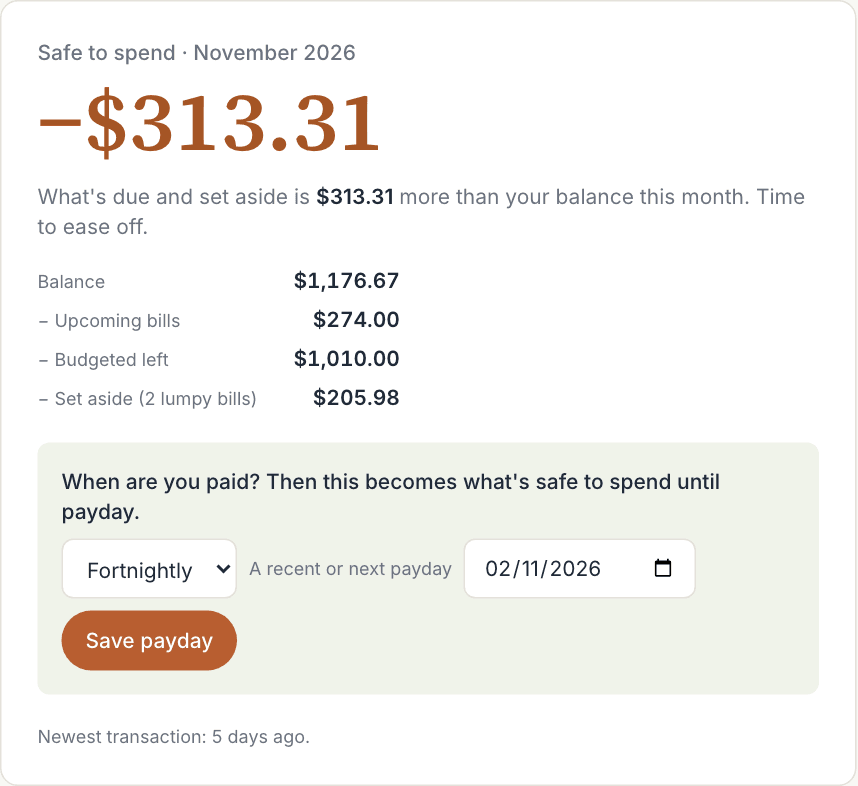
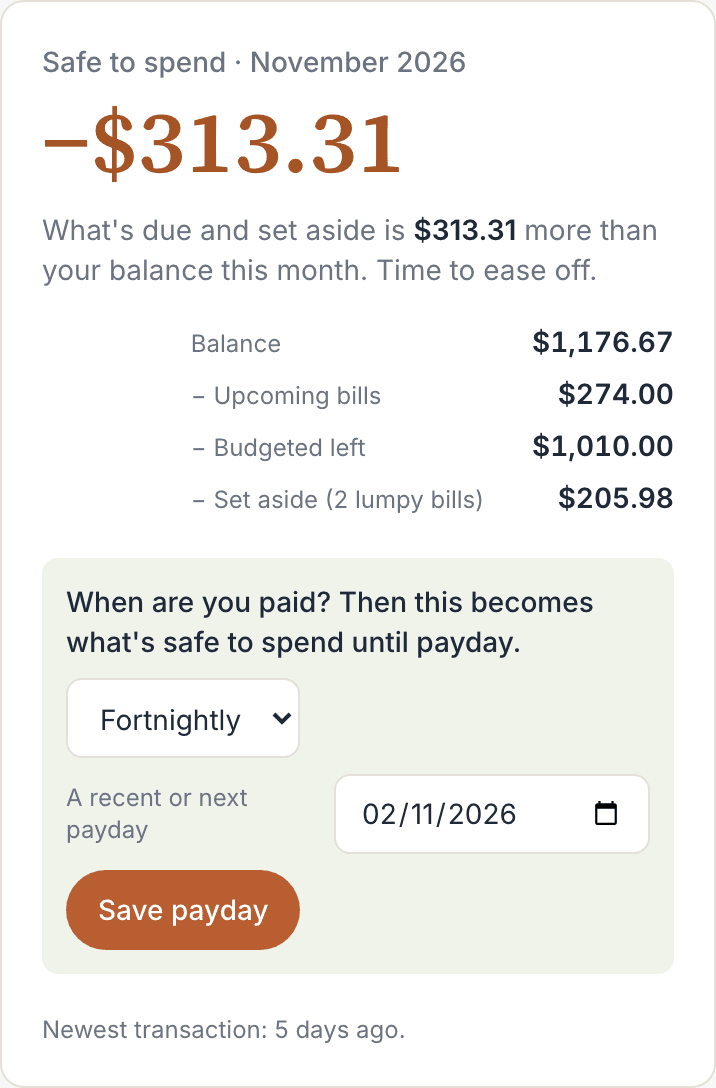
If you've already added your pay in Recurring bills & income, the card offers it: tap Use and the pay's name (for example Use Salary) and you're done. Otherwise:
- Choose Weekly or Fortnightly.
- Enter A recent or next payday. Any past payday works: KeaBudget counts forward from it.
- Tap Save payday.
The heading changes to Safe to spend · until payday, with the date.
Paid monthly? Choose Monthly. The number keeps covering the calendar month, and the card stops asking.
You can change your pay cycle any time in Budgets, under Your pays:
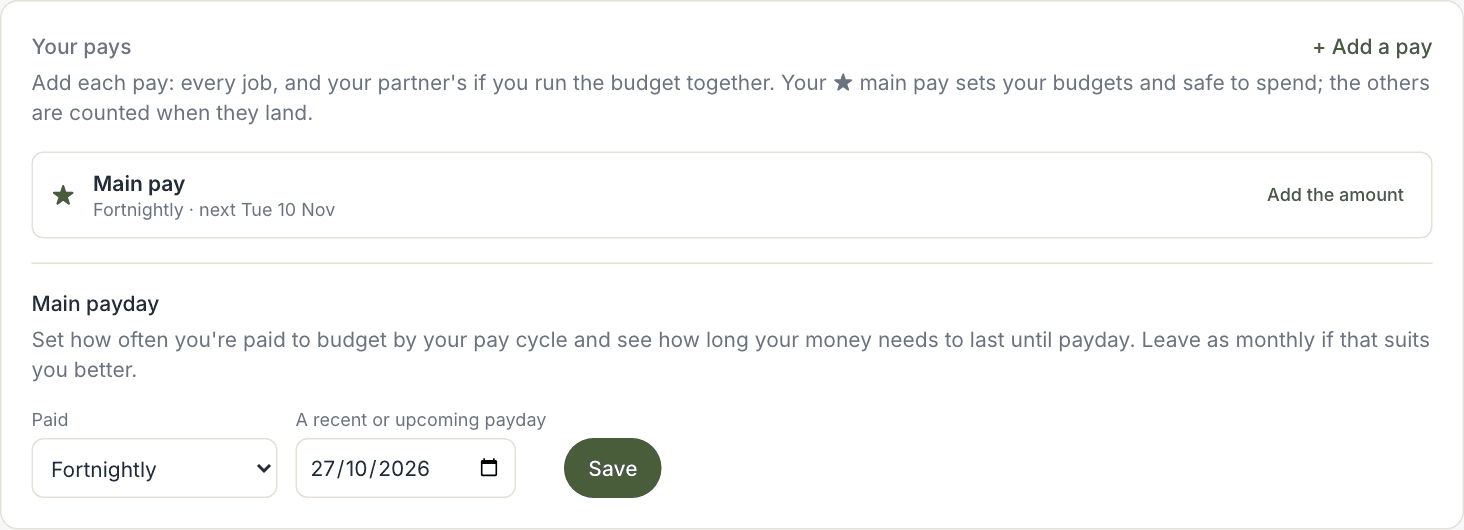
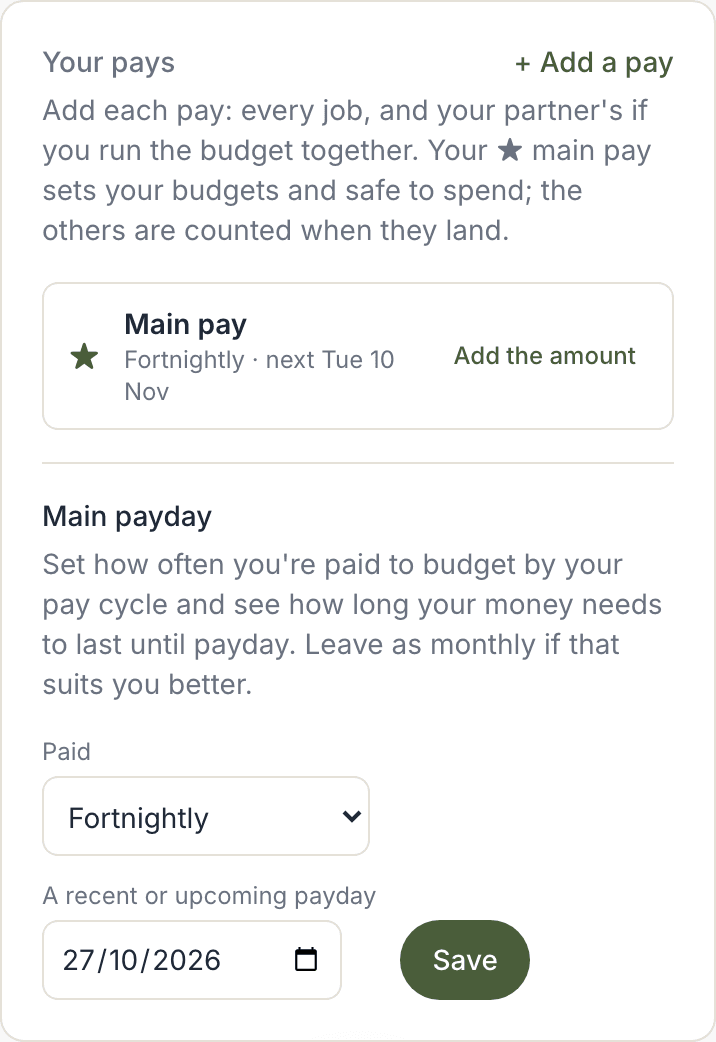
More than one pay? Add each one in Your pays and choose your ★ main pay. "Until payday" follows the main pay, the others are counted as they land, and the card lists your Next pays. See How to add more than one pay.
Keep it accurate
The number is only as good as what it knows. In order of how much difference they make:
- Keep your transactions up to date. Import from your bank every week or two. If your newest transaction is a week old or more, the card tells you, with links to Import what's new or Or just set today's balance.
- Add your recurring bills and income. Rent, power, phone, pay. See Set up your recurring bills and income.
- Set budgets on the categories you spend on every week, such as groceries and petrol, in Budgets.
- Add your lumpy bills in Goals, so the money for rego or rates is put aside a little each pay.
When transactions are up to date, the card also shows Today: and Yesterday:, with what you've spent so far, so you can see the day as it goes.
Turn on the payday check-in
On payday morning, KeaBudget can send you a short message: what to put aside for your lumpy bills this pay, and which bills land before the next one. With more than one pay, it comes on every payday and names the pay. It's only sent when there's something to do, and it never quotes your balance.
Turn it on in Recurring bills & income, at the bottom of the reminder settings:

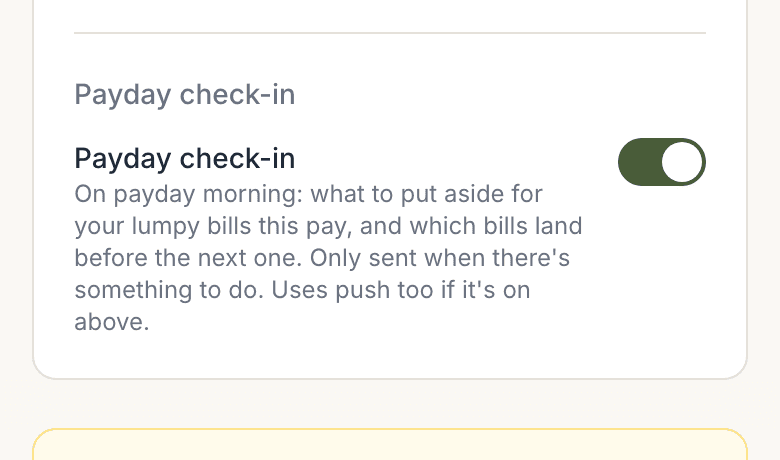
It needs a payday: a weekly or fortnightly main pay, or any pay in Your pays. Without one, the switch says so and links to Set your pay cycle.
Worth knowing
- "Today" means New Zealand time. A new day starts at midnight in New Zealand.
- Savings accounts count in your balance. Balance adds up every account except credit cards and loans, so money in a savings account adds to the number. Savings goals aren't taken off; only lumpy bills are, because they have a due date.
- On payday itself, the number covers the whole new pay period starting that day.